Arabic language support in last-mile delivery and warehouse operations
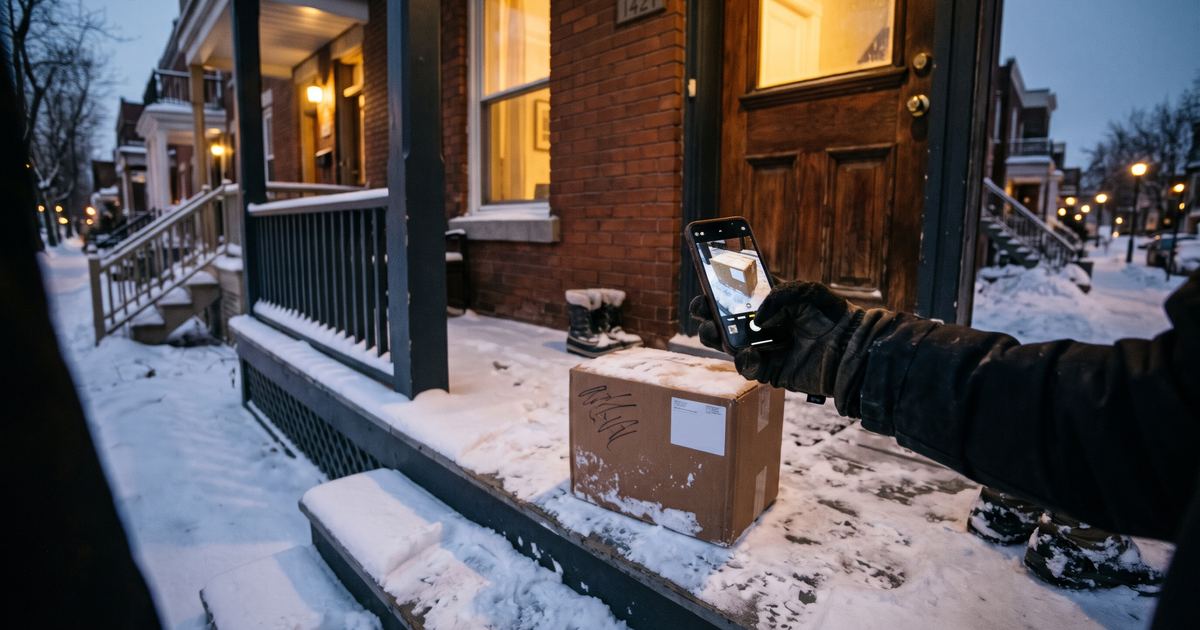
In last-mile delivery and logistics hubs across Europe and international markets, delivery teams often bring together drivers from many backgrounds, including Arabic speakers. When drivers can read mobile app prompts in Arabic, alongside English, French, Spanish, Hindi, Punjabi, and Urdu, daily route tasks become clearer and easier to follow at every stop.
Last-mile delivery involves dozens of small details on every shift: finding the right entrance, checking whether a photo, signature, or ID check is needed, logging Cash on Delivery, and completing van inspections. Giving drivers language support on their phone helps reduce misunderstandings and keeps runs moving smoothly.
Why clear mobile prompts matter in last-mile delivery
On a busy delivery run, a driver does not have time to second-guess confusing screens or ask dispatch for help on routine steps. Clear mobile prompts support accuracy across the entire shift:
Following route order and stop details
When delivery runs display stops in a clear route order with readable notes, drivers can move from address to address smoothly and spot special instructions before stepping out of the vehicle.
Capturing accurate proof of delivery and Cash on Delivery
Whether a stop calls for a delivery photo, a recipient signature, an ID check, or Cash on Delivery collection, clear prompts help drivers record the exact step required and move to the next stop with confidence.
Completing van check-out and check-in with photos
Morning van check-out with photos and end-of-shift van check-in with photos document vehicle condition and help verify that no undelivered orders stay behind in the van overnight.
Step-by-step: Running organized local delivery runs
- Prepare orders and route order: Pick and pack orders from spots, bins, and pallets using barcode scanning, then group local deliveries into runs with a clear route order.
- Choose the driver's preferred language: Set up the driver app on iPhone or Android in Arabic or any of the other six supported languages.
- Complete van check-out with photos: Have drivers check the van in with photos before loading and starting the run.
- Track runs live and close out at check-in: Monitor delivery runs with live tracking, capture proof of delivery and Cash on Delivery details at stops, finish with van check-in with photos, and route any returned parcels into your warehouse returns workflow.
Pairing local fleet delivery with multi-carrier parcel shipping
Many businesses run local vans for nearby orders while shipping longer-distance or cross-border parcels through carriers. Keeping order import from Shopify, Amazon, and WooCommerce, warehouse inventory control, multi-carrier rate comparison and label printing, one-tap Shopify tracking updates, and customer tracking pages in one system helps your team manage every order stream cleanly.
Supporting clear handoffs at shift start and shift end
Consistent start-of-shift and end-of-shift routines help last-mile teams catch small issues early. Before loading and departing, drivers complete van check-out with photos to document vehicle condition. Along the route, they follow the planned route order, support live run tracking for dispatch, and capture proof of delivery (photos, signatures, ID checks) as well as Cash on Delivery details.
At the end of the shift, van check-in with photos helps confirm that no undelivered orders stay behind in the van and that returned parcels move straight into your warehouse returns workflow so stock records stay clean.
Aligning dispatch notes and customer follow-ups
When a customer has a question about a local delivery or a stop runs into an access issue, clear notes and accurate stop outcomes save time for everyone. Dispatchers can check active delivery runs with live tracking and see what was recorded at completed stops, while warehouse staff handle any returned parcels through returns and exchanges and keep spots, bins, and pallets accurate with barcode scanning and photo cycle counts.
For orders shipping outside local fleet coverage, comparing rates and printing labels across carriers, sending Shopify tracking back in one tap, and giving customers a tracking page keeps post-purchase communication clear across channels like Shopify, Amazon, and WooCommerce.
Supporting multilingual drivers across regional and local operations
Delivery fleets across Europe, Canada, and the USA often include drivers whose first language is Arabic alongside English, French, Spanish, Hindi, Punjabi, or Urdu. Giving drivers a mobile app on iPhone or Android in their preferred language helps them read stop details, proof-of-delivery prompts (photos, signatures, ID checks), Cash on Delivery instructions, and van check-out and check-in steps clearly without guessing.
When paired with organized delivery runs, clear route order, and live tracking for dispatchers, multilingual support helps drivers complete stops accurately and return on schedule.
How HAJEX Bolt supports last-mile delivery and warehouse teams
HAJEX Bolt connects own-fleet delivery runs, warehouse management, and multi-carrier shipping in one platform.
- Driver app on iPhone and Android in 7 languages: Supports English, French, Spanish, Hindi, Punjabi, Urdu, and Arabic.
- Delivery runs, route order, and live tracking: Organize local routes, set stop sequence, and monitor active runs with live tracking.
- Proof of delivery, COD, and van inspections: Capture photos, signatures, and ID checks, track cash on delivery, and run van check-out and check-in with photos.
- WMS and multi-carrier shipping: Manage spots, bins, and pallets, put-away, moves, barcode scanning, cycle counts with photos, returns and exchanges, multiple clients per warehouse, client portals, 3PL billing, and parcel shipping with one-tap Shopify tracking updates and a customer tracking page.
Frequently asked questions
Does the HAJEX Bolt driver app support Arabic?
Yes. The HAJEX Bolt driver app supports Arabic as well as English, French, Spanish, Hindi, Punjabi, and Urdu on both iPhone and Android devices.
How can dispatchers follow delivery runs while drivers are out?
HAJEX Bolt provides live tracking on delivery runs so dispatchers can monitor progress along the route.
What can drivers capture at delivery stops in the app?
Drivers can capture photos, signatures, and ID checks as proof of delivery and record cash on delivery collections on applicable stops.
How does van check-out and check-in with photos help the fleet?
Photo check-outs and check-ins record vehicle condition at the start and end of shifts and help catch any undelivered parcels left inside the vehicle.
Can HAJEX Bolt support both local delivery runs and ecommerce parcel shipping?
Yes. HAJEX Bolt supports own-fleet delivery runs alongside order import from Shopify, Amazon, and WooCommerce, multi-carrier shipping, one-tap Shopify tracking, and a customer tracking page.