Building a same-day local delivery option for your ecommerce store
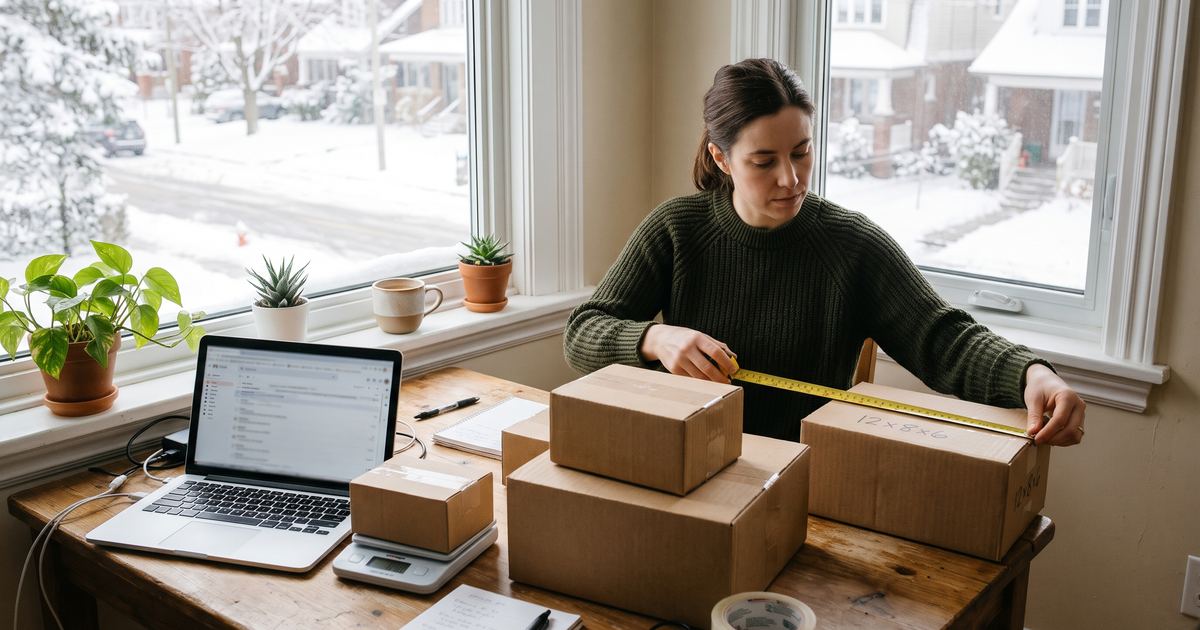
Offering same-day local delivery can make a local store or warehouse stand out to nearby buyers who want their order fast without waiting on national parcel hubs. Yet promising same-day delivery without a clear cutoff time, organized warehouse picking, and structured delivery runs can quickly overwhelm your team when orders arrive late in the afternoon.
Building a same-day local delivery option that works day after day comes down to setting clear cutoffs, picking and packing accurately from labeled locations, sequencing local delivery runs, and giving drivers practical mobile tools on the road.
What it takes to make same-day local delivery work
Same-day local delivery works best when your storefront promise matches what your warehouse and fleet can actually deliver:
Clear order cutoffs and delivery zones
Define which local areas or postal/ZIP codes qualify for same-day delivery and set a realistic daily order cutoff time so your warehouse and drivers have enough time to pick, pack, load, and complete stops on schedule.
Fast, barcode-verified warehouse picking
Keep popular local SKUs organized across spots, bins, and pallets with barcode scanning so staff can pull and pack same-day orders quickly without grabbing the wrong item or variant.
Organized delivery runs with route order and live tracking
Group same-day local orders into delivery runs with a clear route order so drivers follow a sensible stop sequence, and monitor active runs with live tracking so dispatchers can see how routes are moving.
Mobile proof of delivery, COD, and photo van inspections
Equip drivers with the app on iPhone and Android in English, French, Spanish, Hindi, Punjabi, Urdu, or Arabic to capture proof of delivery (photos, signature, ID check), record Cash on Delivery when needed, complete morning van check-out and evening van check-in with photos, and bring any undelivered or returned items back into your warehouse returns workflow.
Pairing local delivery runs with multi-carrier shipping
Not every customer lives inside your local delivery area. Keeping multi-carrier shipping alongside own-fleet delivery runs lets you handle both streams in one place:
- Import orders from Shopify, Amazon, and WooCommerce into one fulfillment queue.
- Route local orders onto your own delivery runs and ship out-of-area parcels through carriers such as UPS, Canada Post, Canpar, and other carriers.
- Send Shopify tracking back in one tap once fulfilled and give customers a tracking page to follow their shipment.
Step-by-step: Launching a dependable local delivery workflow
- Set clear local delivery rules and cutoffs: Decide which orders qualify for same-day local runs and communicate realistic timing on your store.
- Pick and pack from labeled locations: Use barcode scanning across spots, bins, and pallets so items are picked accurately and staged for runs.
- Sequence runs and check out vans with photos: Set route order on each delivery run and have drivers finish van check-out with photos before departing.
- Track live, capture proof, and complete check-in: Monitor runs with live tracking, capture proof of delivery and Cash on Delivery details at stops, finish with van check-in with photos, and handle any returns cleanly.
Handling exceptions and end-of-shift closeout on local runs
Even on fast same-day or next-day local routes, occasional exceptions happen, such as a customer not being home, a locked gate, or a Cash on Delivery order needing attention. When drivers log clear stop outcomes in the app, keep undelivered goods secured in the van, and complete end-of-shift van check-in with photos, your team can bring undelivered boxes back into your warehouse or returns workflow without losing track of stock.
Combining organized local delivery runs with barcode-verified picking, multi-carrier parcel shipping, one-tap Shopify tracking updates, and customer tracking pages gives your store a flexible, dependable delivery setup.
Before launching or expanding local delivery runs, review your delivery area, daily cutoff time, and driver steps, including morning van check-out and evening van check-in with photos, so every route starts and finishes cleanly.
Reviewing local delivery performance as your store grows
As more nearby customers choose same-day or local delivery, check how runs fit into your daily warehouse schedule. Review pickup timing from your packing bench, how route order flows through your delivery area, and how drivers use the mobile app on iPhone or Android in English, French, Spanish, Hindi, Punjabi, Urdu, or Arabic.
Keeping your local fleet runs, warehouse locations, barcode scanning, and multi-carrier parcel shipping connected in one platform makes scaling local delivery much more manageable.
How HAJEX Bolt supports local delivery and ecommerce fulfillment
HAJEX Bolt connects own-fleet delivery runs, warehouse management, and multi-carrier shipping in one platform.
- Delivery runs, route order, and live tracking: Organize local routes, set stop sequence, and monitor active runs with live tracking.
- Driver app on iPhone and Android in 7 languages: Supports English, French, Spanish, Hindi, Punjabi, Urdu, and Arabic.
- Proof of delivery, COD, and van inspections: Capture photos, signatures, and ID checks, track cash on delivery, and complete van check-out and check-in with photos.
- WMS and multi-carrier shipping: Track spots, bins, and pallets, put-away, moves, barcode scanning, cycle counts with photos, returns and exchanges, multiple clients per warehouse, client portals, 3PL billing, and parcel shipping (UPS, Canada Post, Canpar, and others) with one-tap Shopify tracking updates and a customer tracking page.
Frequently asked questions
What is the most important step before offering same-day local delivery?
Set a clear daily order cutoff time and defined delivery area that match how quickly your warehouse can pick and pack and how long your delivery runs take to complete.
Can drivers use the HAJEX Bolt app on both iPhone and Android?
Yes. The HAJEX Bolt driver app works on iPhone and Android devices and supports seven languages: English, French, Spanish, Hindi, Punjabi, Urdu, and Arabic.
What proof of delivery can drivers capture on local delivery runs?
Drivers can capture photos, signatures, and ID checks, as well as record cash on delivery collections on applicable stops.
How does HAJEX Bolt handle orders shipping outside our local delivery area?
You can compare rates and print labels across carriers like UPS, Canada Post, Canpar, and other carriers, send Shopify tracking back in one tap, and share a tracking page with customers.
What happens if a local delivery cannot be completed during the day?
Have drivers record the stop outcome, complete end-of-shift van check-in with photos, and route undelivered or returned items through your warehouse returns and exchanges workflow.