Offering local delivery in a Shopify store with your own vans
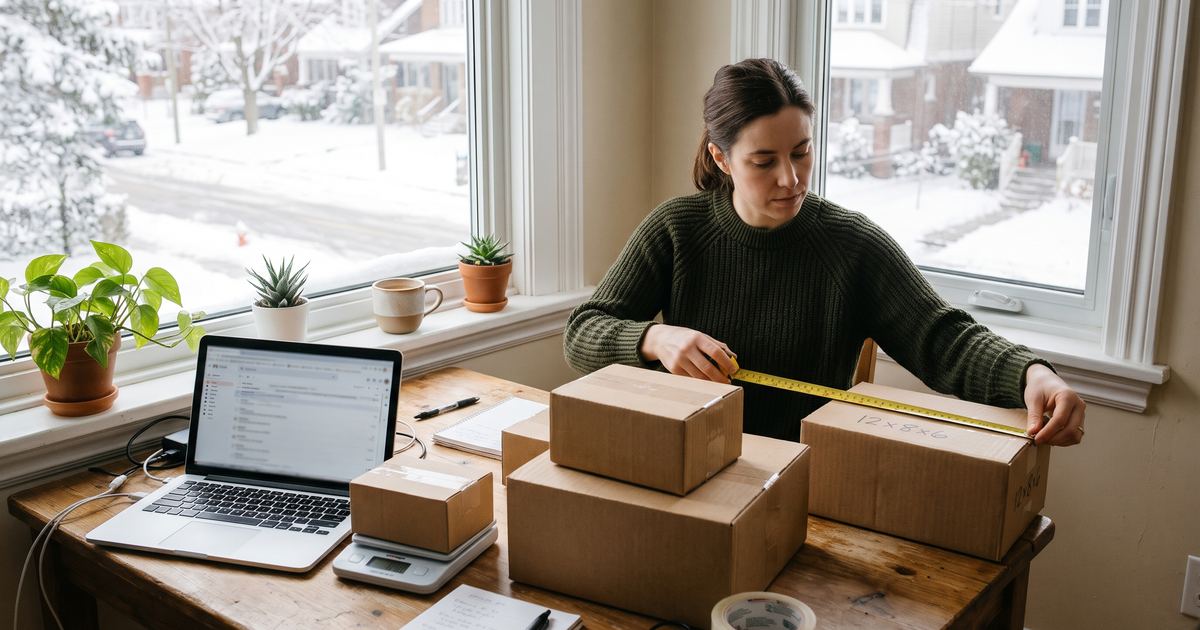
Offering local delivery on a Shopify store can give nearby customers a fast, convenient way to receive orders, especially when you already have a warehouse and delivery vans in the area. Yet connecting a Shopify storefront to your own delivery vans takes more than turning on a local delivery option at checkout. Without clear floor picking, organized delivery runs, and mobile driver steps, local orders can get missed or delivered without clear proof.
Setting up Shopify local delivery with your own vans comes down to bringing Shopify orders into your fulfillment workflow, picking accurately from labeled locations, sequencing local delivery runs, and giving drivers a straightforward mobile workflow from check-out to check-in.
Connecting Shopify checkout to your warehouse and fleet
A smooth local delivery experience links what happens online with what happens on your floor and on the road:
Import Shopify orders into one fulfillment queue
Pull Shopify orders into your fulfillment workspace, alongside orders from Amazon and WooCommerce if you sell across multiple channels, so your team sees local orders and parcel orders clearly without missing anything.
Pick and pack from labeled locations with barcode scanning
Track stock across spots, bins, and pallets and use barcode scanning during put-away, moves, picking, and returns. Accurate picking ensures the right items are ready for local runs and prevents last-minute swaps at the van.
Build delivery runs with route order and live tracking
Group local orders into delivery runs with a defined route order so drivers follow a clear stop sequence, and monitor active runs with live tracking so dispatchers can see progress without calling drivers constantly.
Equip drivers on iPhone and Android in 7 languages
Give drivers a mobile app on iPhone or Android in their preferred language, English, French, Spanish, Hindi, Punjabi, Urdu, or Arabic, so they can follow stop notes, capture proof of delivery (photos, signature, ID check), record Cash on Delivery collections, and complete van check-out and check-in with photos.
Handling out-of-area orders, Shopify tracking, and returns
Not every Shopify buyer lives within your van delivery area, and not every order goes smoothly on the first try.
- Parcel carriers for out-of-area orders: Compare rates and print labels across carriers such as UPS, Canada Post, Canpar, and other carriers for orders outside your local runs, send Shopify tracking back in one tap once fulfilled, and share a tracking page with customers.
- End-of-shift van check-in and returns: Have drivers complete van check-in with photos at the end of each shift, confirm no undelivered items stay inside the van, reconcile any Cash on Delivery collected, and route any returned or undelivered parcels into your returns and exchanges workflow and photo cycle counts.
Step-by-step: Launching local van delivery for your Shopify store
- Define your local delivery area and daily cut-off: Set clear local eligibility and cut-off times on your store that match how your warehouse picks and when vans depart.
- Organize warehouse picking and run staging: Pick orders with barcode scanning across spots, bins, and pallets and stage local delivery run items cleanly.
- Run morning van check-out and sequence the run: Have drivers complete van check-out with photos before loading and follow the delivery run in route order.
- Track live, capture proof, and complete check-in: Monitor runs with live tracking, capture proof of delivery and Cash on Delivery details at stops, finish with van check-in with photos, and process any returns cleanly.
Keeping local van runs and parcel shipping smooth together
Running local delivery vans alongside parcel carriers lets you serve nearby Shopify buyers quickly while shipping wider orders through carriers like UPS, Canada Post, Canpar, and other carriers. Keep order imports from Shopify, Amazon, and WooCommerce in one queue, pick accurately from spots, bins, and pallets with barcode scanning, send Shopify tracking back in one tap on fulfilled parcel orders, and give customers a tracking page.
For local van runs, clear route order, live tracking for dispatch, a driver app on iPhone and Android in seven languages, proof of delivery (photos, signature, ID check), Cash on Delivery tracking, and van check-out and check-in with photos help keep every shift organized.
How HAJEX Bolt supports Shopify local delivery and shipping
HAJEX Bolt connects Shopify order import, warehouse inventory control, own-fleet delivery runs, and multi-carrier shipping in one platform.
- Shopify order import and one-tap tracking: Import orders from Shopify, Amazon, and WooCommerce, fulfill orders, and send tracking numbers back to Shopify in one tap.
- Delivery runs, route order, and live tracking: Organize own-fleet runs, set route order, and monitor active runs with live tracking.
- Driver app on iPhone and Android in 7 languages: Supports English, French, Spanish, Hindi, Punjabi, Urdu, and Arabic.
- Proof of delivery, COD, van inspections, and WMS: Capture photos, signatures, and ID checks, track cash on delivery, complete van check-out and check-in with photos, and manage spots, bins, pallets, put-away, moves, barcode scanning, cycle counts with photos, returns and exchanges, multiple clients per warehouse, client portals, 3PL billing, and multi-carrier parcel shipping (UPS, Canada Post, Canpar, and others) with a customer tracking page.
Frequently asked questions
How do I keep Shopify local van orders organized alongside parcel shipments?
Import Shopify orders into one fulfillment queue, pick with barcode scanning across spots, bins, and pallets, assign local orders to delivery runs with route order, and handle out-of-area shipments with multi-carrier parcel labels and one-tap Shopify tracking updates.
What devices can drivers use for delivery runs in HAJEX Bolt?
Drivers can use the HAJEX Bolt driver app on iPhone and Android devices in seven languages: English, French, Spanish, Hindi, Punjabi, Urdu, and Arabic.
What proof of delivery can drivers capture on local Shopify deliveries?
Drivers can capture photos, signatures, and ID checks in the driver app, as well as record cash on delivery collections on applicable stops.
Why include van check-out and check-in with photos on daily routes?
Photo van check-out before departure and van check-in at shift end document vehicle condition and help verify that no undelivered orders are left inside the van.
How does HAJEX Bolt handle tracking for parcel shipments?
Once a parcel order is fulfilled and labeled in HAJEX Bolt, you can send tracking numbers back to Shopify in one tap and provide a tracking page for customers.