How to reduce packing station bottlenecks during peak sale days
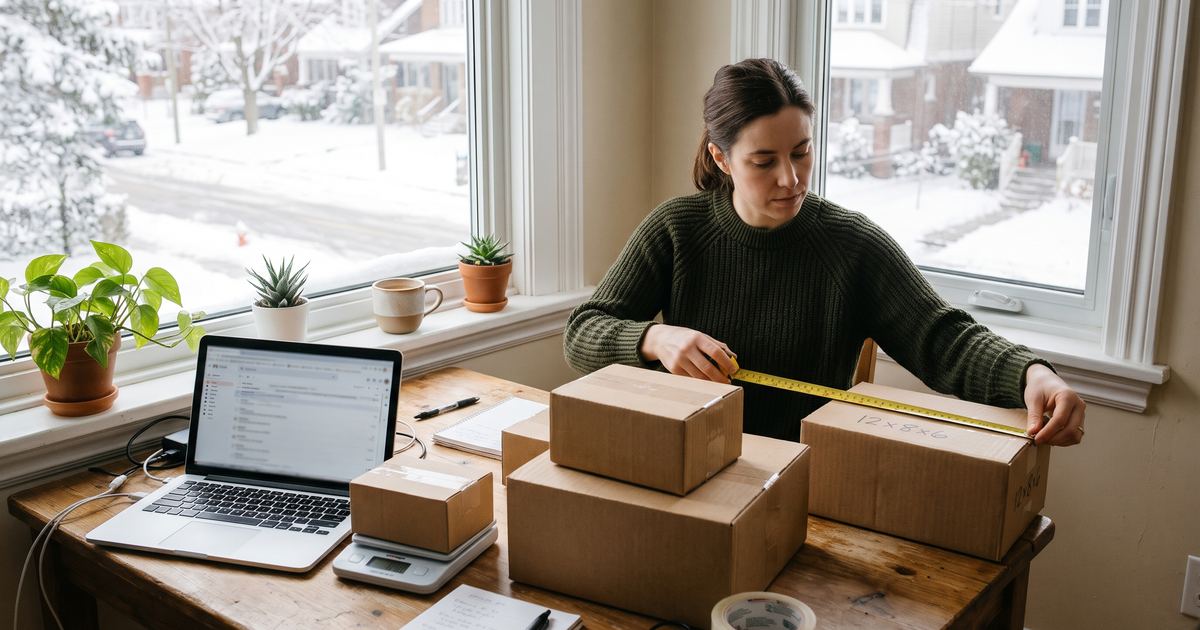
Peak sale days, such as holiday promotions, product drops, or seasonal campaigns, test every part of a warehouse, and the packing bench is often where backups show up first. Boxes pile up waiting for tape or labels, packers walk away to find different cartons or verify a missing item, and afternoon carrier pickups get tight before the queue is cleared.
Setting up packing stations for peak sale days comes down to organizing physical supplies within easy reach, keeping picking and barcode verification clean upstream, and removing unnecessary steps between packing and printing labels.
Why packing stations slow down during busy sales
When order volume jumps, small layout and workflow gaps turn into visible lines at the packing bench:
- Hunting for boxes, tape, and labels: Packers lose momentum whenever they leave their station to grab cartons, replace empty label rolls, or search for packing materials.
- Unclear or mismatched items: When picking is not barcode-verified or look-alike variants sit close together, packers stop to double-check items or deal with wrong picks.
- Switching between separate carrier sites: Checking carrier options and printing labels across separate websites slows down each box when dozens of orders are waiting.
- Cluttered outbound staging: If finished boxes pile up around the packing bench instead of moving to designated carrier or local delivery run zones, workspace shrinks fast.
How to set up a smooth packing station layout
You do not need fancy equipment to make a packing station practical and fast. Focus on clear placement and steady flow.
Keep core supplies right at hand
Arrange cartons, mailers, dunnage, tape dispensers, scales, and thermal label printers so a packer can reach what they need without extra steps. Keep spare label rolls and packing supplies nearby so restocking takes moments.
Pair barcode verification with packing
Use barcode scanning during picking and packing so staff confirm they are packing the exact SKU and variant ordered before sealing the carton. Clean barcode habits cut down on costly mispicks and returns later.
Separate parcel shipments from local fleet runs
If you ship parcels through carriers like UPS, Canada Post, Canpar, and other carriers and also run your own local delivery vans, keep those outbound streams organized clearly so boxes for carrier pickup and boxes for local delivery runs do not get mixed up.
Keep returns out of the outbound packing lane
During peak days, incoming returns and exchanges can easily clutter packing benches if there is no separate spot for them. Keep returns in their own inspection and restocking workflow so outbound packing stays clear.
Step-by-step: Preparing for peak order days ahead of time
- Organize spots, bins, and pallets: Make sure popular SKUs are in clear, scannable locations and run cycle counts with photos so stock counts are reliable before sales start.
- Import orders into one fulfillment queue: Pull orders from Shopify, Amazon, and WooCommerce into a single queue so your team sees all open orders in one place.
- Compare rates and print labels cleanly: Check carrier options side by side, print labels quickly, and send Shopify tracking back in one tap while giving customers a tracking page.
- Clear finished parcels into staging: Move labeled boxes into carrier pickup spots or local delivery runs (with route order, live tracking, proof of delivery, van check-out and check-in with photos, and cash on delivery) so benches stay open.
Coordinating packing benches with returns, counts, and local runs
Peak sale days put extra pressure on every corner of a warehouse, not just the packing table. Before a big sale starts, run cycle counts with photos on fast-moving spots, bins, and pallets so stock counts are reliable, and make sure put-away and internal moves are scanned with barcodes so shelves stay organized.
During the sale, keep returns and exchanges in a separate inspection area so returned items do not crowd outgoing packing stations. When orders are packed and labeled, send Shopify tracking back in one tap, share a tracking page with customers, and route local delivery orders into organized delivery runs with route order, live tracking, proof of delivery, van check-out and check-in with photos, and cash on delivery.
Keeping labels, tracking, and local runs moving before carrier pickups
During peak sale days, afternoon carrier pickups arrive quickly and leave little room for extra steps. Having orders imported from Shopify, Amazon, and WooCommerce, items picked from labeled spots, bins, and pallets with barcode scanning, and rates compared side by side across carriers like UPS, Canada Post, Canpar, and other carriers helps your team print labels and get boxes staged on schedule.
Once orders are fulfilled, sending tracking numbers back to Shopify in one tap and sharing a tracking page with customers keeps buyers informed while your team moves on to the next batch or local delivery run.
How HAJEX Bolt supports warehouse fulfillment and peak days
HAJEX Bolt connects order import, warehouse picking, multi-carrier shipping, and local fleet runs in one platform.
- Ecommerce order import and one-tap Shopify tracking: Import orders from Shopify, Amazon, and WooCommerce, fulfill orders, and send tracking numbers back to Shopify in one tap.
- Multi-carrier rate comparison and label printing: Compare rates and print labels across UPS, Canada Post, Canpar, and other carriers, with a tracking page for customers.
- WMS location control and returns: Track spots, bins, and pallets, run put-away, moves, barcode scanning, cycle counts with photos, and returns and exchanges, plus own-fleet delivery runs with route order, live tracking, a driver app on iPhone and Android in seven languages, proof of delivery, van check-out and check-in with photos, and cash on delivery.
Frequently asked questions
How can I stop packing benches from getting crowded during a big sale?
Keep boxes, mailers, tape, and label rolls stocked at each station, verify items with barcode scanning, move packed parcels promptly into carrier or local fleet staging zones, and keep returns in a separate area.
Why is barcode scanning helpful before sealing a box on busy days?
Scanning item barcodes during picking and packing helps catch wrong SKUs or wrong variants before the box is sealed and shipped, avoiding returns and replacement costs later.
Can we manage Shopify, Amazon, and WooCommerce orders in one queue during peak volume?
Yes. HAJEX Bolt imports orders from Shopify, Amazon, and WooCommerce into one fulfillment workflow so your team can work from a single queue.
How do we send tracking numbers back to Shopify after printing labels?
In HAJEX Bolt, once an order is fulfilled and labeled, you can send tracking numbers back to Shopify in one tap and give buyers a tracking page.
What if we deliver some peak orders locally using our own vans?
HAJEX Bolt supports own-fleet delivery runs with route order, live tracking, a driver app on iPhone and Android in seven languages, proof of delivery, van check-out and check-in with photos, and cash on delivery.